


Before forwarding a public update: check its source, date and place
2 min read
Abu Dhabi Police announced new AI-powered media functions for its virtual character Captain Sanad on 17 October. The announcement covers multilingual news bulletins, traffic information, weather alerts and event hosting. It describes a communication tool; it does not announce a new emergency-reporting service.
For readers, the practical task is keeping the message’s context intact. A short clip can travel much further than its original caption. Before forwarding one, open the original post from the issuing organisation and compare it with the copy you received. Check the account and destination yourself rather than relying on a familiar-looking face or logo.
Separate three times: when the original update was published, when the event or restriction applies, and when someone forwarded it to you. Write down the applicable date and time if they are stated. If the clip only says “today”, find the dated original before treating that as your today. A fresh notification can contain an old message.
Read the location as carefully as the headline. Look for the named road, direction, district or area. Keep those details with the link when sharing it. If the original does not specify a place, do not fill the gap from a landmark in an illustration or from where the sender happens to live.
Check whether the issuing organisation has posted a correction, replacement or end-of-update notice. Prefer sharing the current official link with one sentence explaining what it covers. Cropping away the date may make an image tidier, but it also removes information the next reader needs.
For a multilingual clip, retain the original link alongside any translated summary. If a road name, time or instruction is unclear, consult the official wording before adding your own interpretation. The aim is to preserve the message, not improve it by guessing.
A useful sharing note is simple: who issued the update, which area it concerns, when it applies and where the original can be read. Leave missing details marked as unknown. These are editorial reading checks, not instructions for handling an emergency or confirmation that a particular alert is active now.
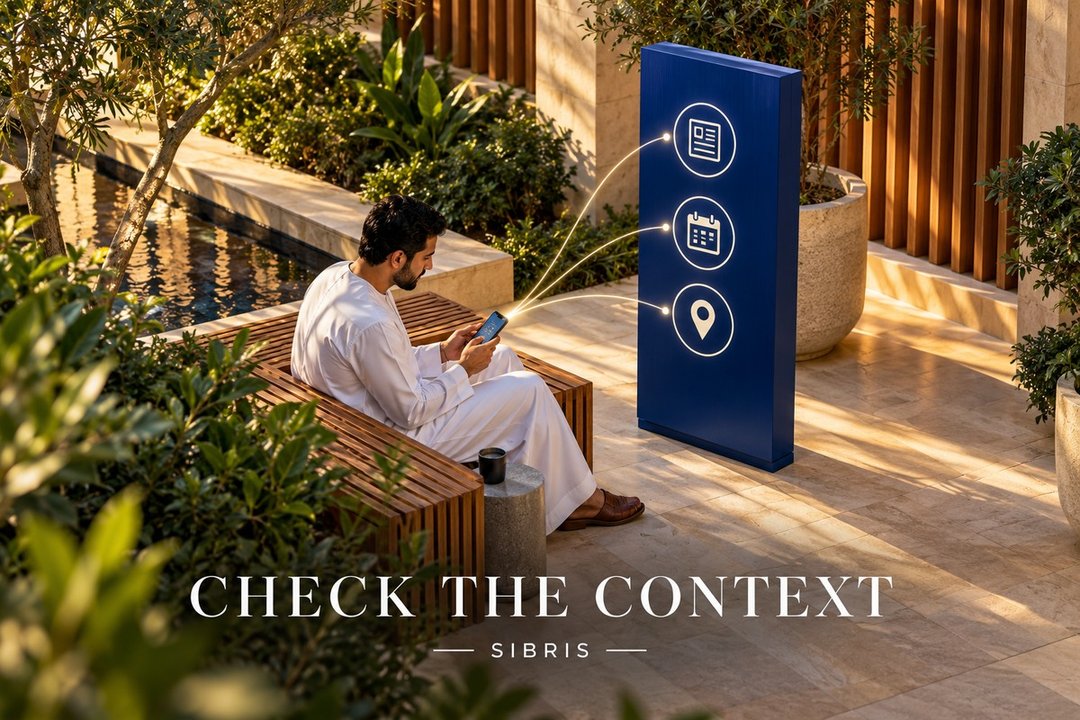
Cover: an original AI-generated conceptual illustration of a reader checking a public update in an imagined courtyard. It does not depict Captain Sanad, an official app, a real alert or an actual police facility.
Sources & further reading
 Illustration
Before the moving boxes: questions for your new-home handover
Use Abu Dhabi’s My Home is Safe announcement as a prompt to organise training questions, home-system instructions and the contacts your household will need.
3 min read
Read story Illustration
Abu Dhabi’s London visit: turn a business introduction into a useful meeting
A new London delegation visit is a useful prompt to sharpen your business brief. Define the question, find the right counterpart and agree a practical next step.
3 min read
Read story Illustration
Dhafer Youssef at Louvre Abu Dhabi: choose the right ticket
The 19 December concert has several price categories and conditional discounts. Check eligibility, documents and seating before booking.
2 min read
Read story