


AccessAbilities Expo: build a visit around your everyday questions
3 min read
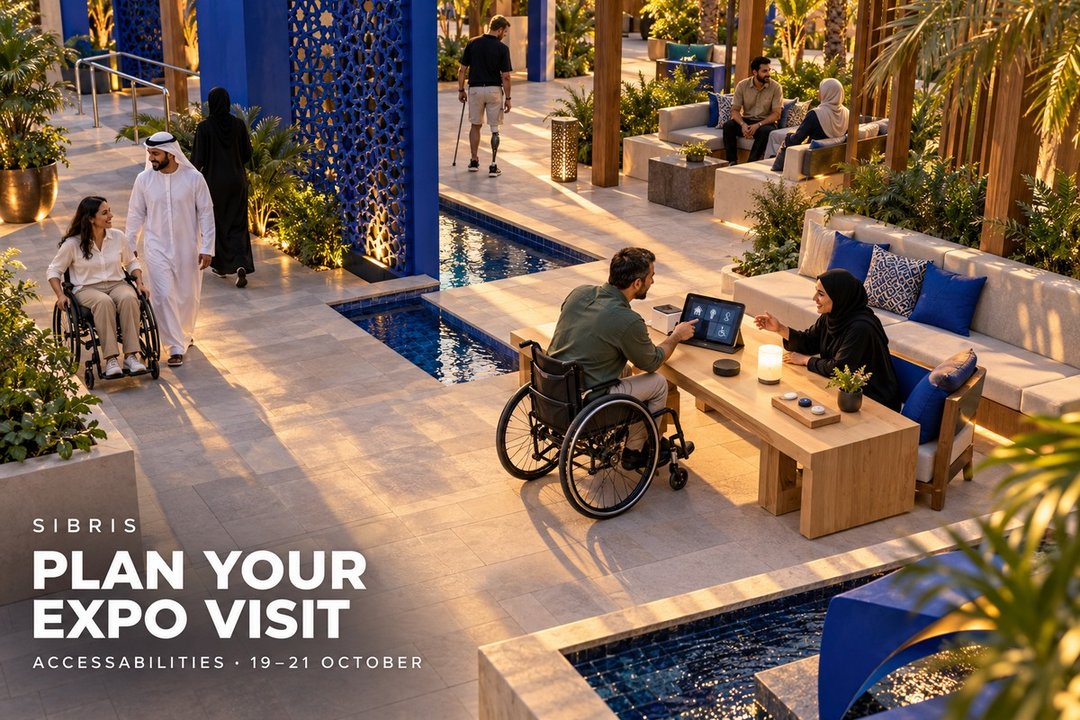
AccessAbilities Expo is scheduled for 19–21 October 2026 at Dubai World Trade Centre, in Za’abeel Halls 4–6. The venue lists the exhibition as public. For visitors comparing assistive technology or services, a useful plan starts with a task they want to make easier, rather than a long list of stands. This guide offers editorial preparation ideas, not recommendations for a particular device.
Write down two or three everyday situations you want to discuss. That might be using controls at home, communicating in a busy setting or moving through a familiar space. Describe what currently works and where the difficulty appears. The person who will use the product should lead that conversation, with a companion involved in whatever way they prefer.
Before travelling, follow the organiser’s visitor-registration link and confirm the current entry arrangements and opening hours. The dates and public audience listing do not establish walk-in access or the availability of a particular demonstration. Check which companies or services you want to meet, and ask whether they offer an appointment or an accessible format for their information.
Plan the route to the correct halls, including the final stretch from your transport drop-off. The organiser’s visitor page links to a DWTC accessibility map and directs visitors to customer care for help finding the nearest accessible entrance. Use those resources to confirm a route that meets your needs. If arranging accessible transport, agree the vehicle requirements and both drop-off and return pickup details with the provider in advance.
At a demonstration, ask to see the task you described, rather than only the presenter’s quickest sequence. Who sets the product up? Which parts can the user adjust? Does it require an internet connection, a phone or a subscription? What training is included? Ask the presenter to explain any limits, and record the model or service name so the answers remain attached to the right option.
Ask about support after the exhibition: local servicing, spare parts, software updates and the route for getting help. Request a written breakdown of purchase or subscription costs and any setup charges. If an item requires individual fitting or clinical assessment, arrange that with an appropriately qualified professional; a short stand demonstration cannot establish suitability for a person’s needs.
Keep a simple comparison note for each option: the everyday task, what was demonstrated, what remains untested, the support contact and the next step. Ask before recording someone else or sharing personal information. Leave room in the visit for breaks and follow-up conversations. The best takeaway may be one well-answered question, not another bag of brochures.
Cover: an original AI-generated conceptual illustration of an imagined accessible technology courtyard. It is not the actual AccessAbilities Expo venue, a demonstration photograph or an endorsement of a device.
Sources & further reading
 Illustration
Global Village: build the evening around the right ticket
Season 31 is listed from 14 October. Separate entry from extras, check the day conditions and confirm current hours before setting off.
3 min read
Read story Illustration
Tracks Through Time: three questions to take into a museum
Zayed National Museum has announced a camel-history exhibition for early December. Use objects, images and voices to build a more thoughtful visit.
2 min read
Read story Illustration
Dubai Safari Park: build a manageable Wildest Week visit
The operator’s opening-week dates and show times, plus a practical way to plan tickets, breaks and a family route without trying to do everything.
3 min read
Read story